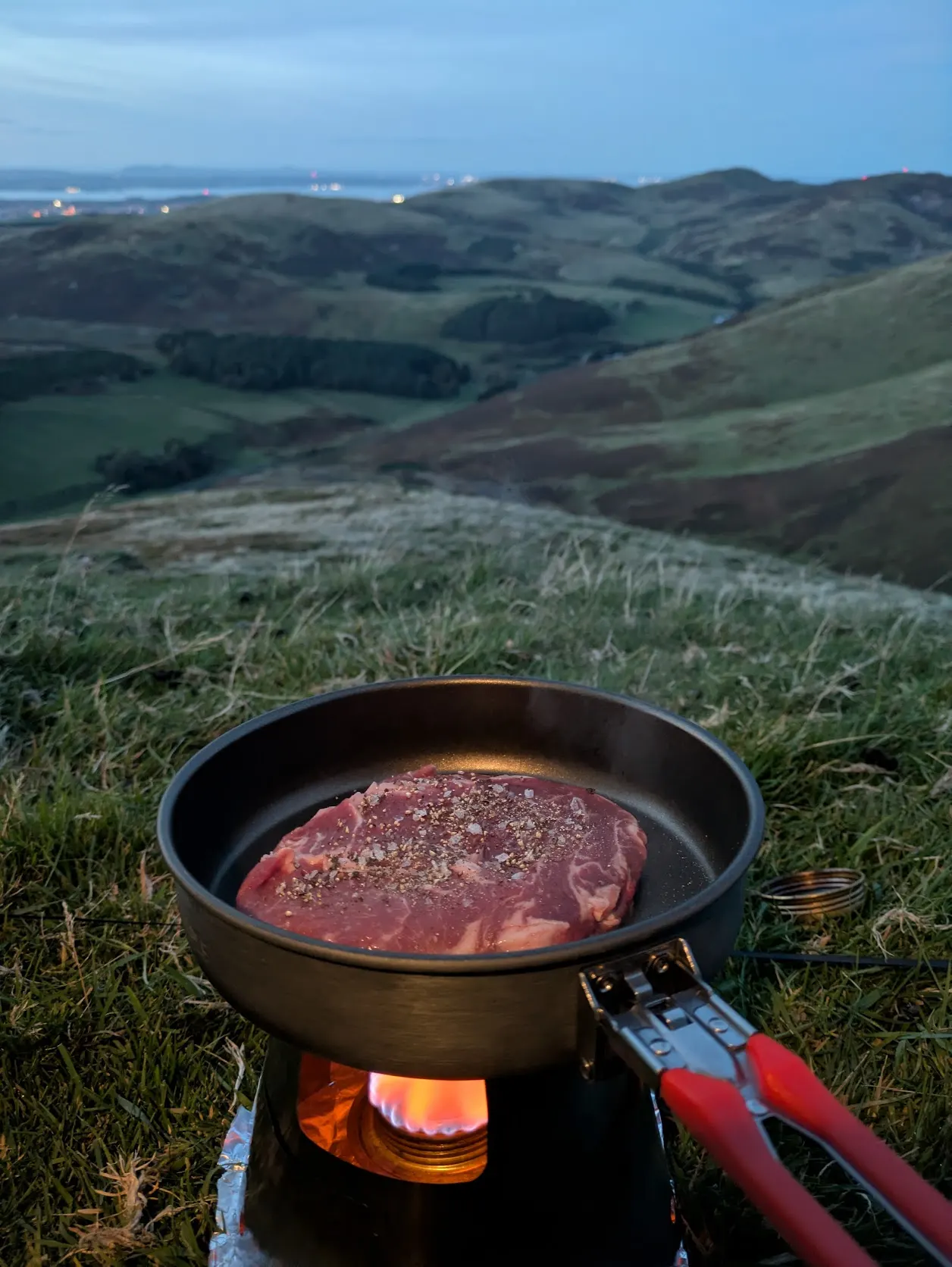
A half-full canister and a spare are easy enough to throw in the pack. Counting what they weigh takes a little more thought. I've added saved fuel setups to OutPack so you can reuse the canister or bottle you usually take and record how much is in it for each trip.
Save the setup once
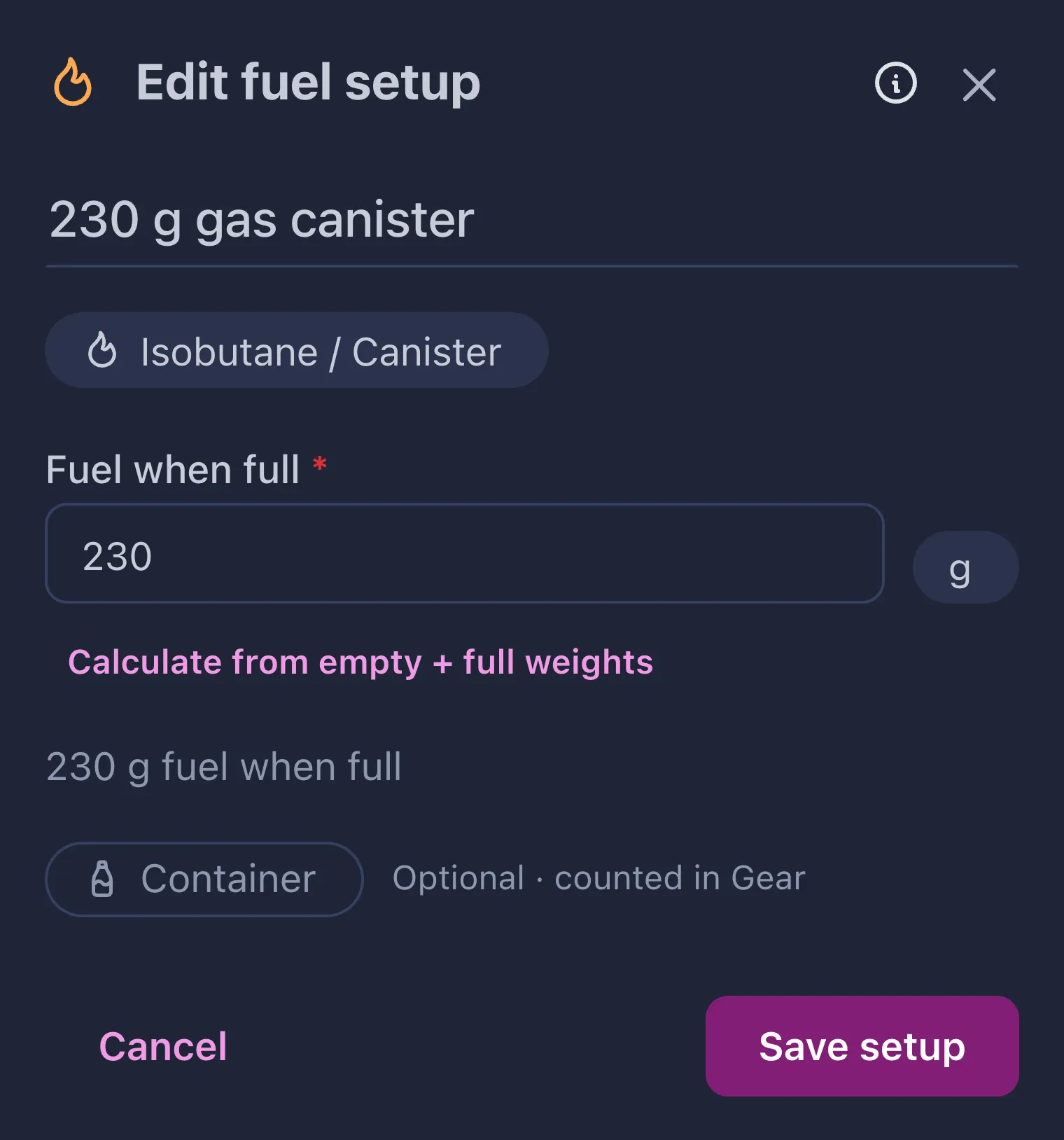
Save a setup with the amount of fuel it holds when full. When you add it to a trip, you can choose how full it is and how many containers you're bringing.
In the example below, I've saved a gas canister and added it half full. I can use the same setup again for the next trip, even if there's a different amount left in it.
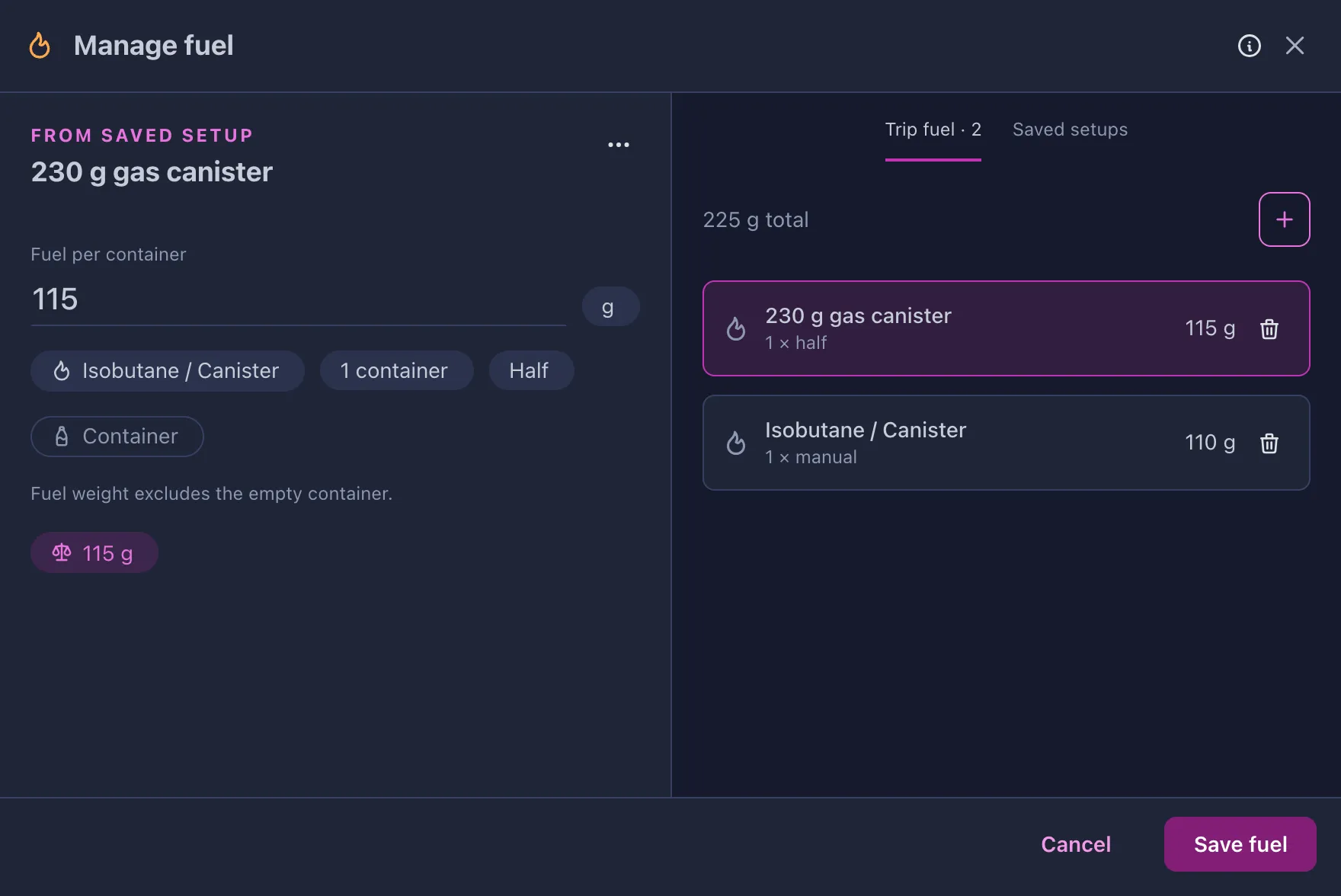
Or just add the fuel
You can also add an individual amount without saving a setup. I've added a spare alongside the half-full canister in this example, and both count towards the trip's fuel weight.
Fuel entries and saved setups are available on the web and in the mobile app.
The container belongs in Gear
Fuel counts the contents, so the empty bottle or canister needs a place in Gear too. You can link an inventory item to a setup and include it in the trip's Gear. Entering an empty weight to calculate capacity doesn't add the container to your packing list.
You can enter liquid fuel by volume, or calculate the contents from empty and full container weights. You'll still need to decide how much fuel your cooking will need.

I hope it takes a little arithmetic out of packing.
— Andrew